Getting skin care doesn’t mean waiting weeks for an in-person visit in this fast world. An online dermatologist consultation lets you connect with certified dermatologists from home, taking forward certain skin issues like acne, eczema, or rashes rapidly. Whether you’re new to telehealth or a repeat user, proper preparation ensures you get the most value. This guide walks you through everything step-by-step, including what to expect at a dermatologist appointment virtually, so your virtual dermatologist appointment runs smoothly.
Why Choose an Online Dermatologist Consultation?
Telemedicine has revolutionized skin care. Platforms offering online dermatology consultation services save time and reduce stress, with no commuting or sick waiting rooms. Different studies show that virtual skin checks are 80-90% as accurate as in-person visits for common conditions. Plus, here you can connect with expert dermatologists 24/7 online.
Key benefits include:
- Convenience: Book virtual dermatologists anytime via apps like video-md.com.
- Affordability: Often cheaper than traditional appointments.
- Privacy: Discuss sensitive issues comfortably at home.
- Follow-ups: Easy for ongoing treatments like prescriptions.
If you’re searching for the best virtual dermatology consultations, look for HIPAA-compliant platforms with high ratings and quick response times.
Step 1: Select the Right Platform for Your Virtual Dermatologist Appointment
Not all telehealth services are equal. Start by picking a reliable one for your online skin doctor needs.
- Find the top online dermatology consultations: Examine reviews on websites such as Healthgrades and Trustpilot. Teladoc, Amwell, and specialty dermatological applications are top choices.
- Verify credentials: Ensure dermatologists are licensed in your state and board-certified.
- Compare costs: Fees range from $40-$100 per online dermatology consultation.
- Test tech: Download the app early and run a device check.
Step 2: Gather Your Medical History and Symptoms
Dermatologists thrive on details. Before your online dermatologist consultation, compile info to avoid back-and-forth.
Essential prep checklist:
- List symptoms: When did it start? Any itchiness, pain, or spreading?
- Note triggers: Allergies, new products, diet changes, or stress?
- Medication history: Current prescriptions, OTC creams, supplements.
- Family history: Eczema, psoriasis, or skin cancer in relatives?
- Past treatments: What worked or failed?
What to expect at a dermatologist appointment online? The doctor will ask targeted questions, so having this ready speeds things up.
Step 3: Document Your Skin Condition Visually
The doctors can’t examine you physically photos are gold in virtual dermatologist appointment setups, doctors can’t examine you physically.
Capture pro-level images:
- Use natural light: Avoid harsh flash; shoot near a window.
- Multiple angles: Close-ups, wide shots, before/after if applicable.
- Variety: Dry skin? Wet it. Rash? Show progression over days.
- Measurements: Use a ruler or coin for scale.
- Upload securely: Follow platform instructions for your online skin doctor session.
Take 5-10 photos from different times of day to give virtual dermatologists a full picture.
Step 4: Set Up Your Tech for a Seamless Online Dermatology Consultation
Tech glitches kill momentum. Test everything 24 hours before.
Tech setup bullets:
- Stable internet: Aim for 5 Mbps upload/download.
- Device: Laptop or tablet for better visibility; phone as backup.
- Camera and mic: Clear, positioned at eye level.
- Quiet space: Good lighting, no distractions or barking dogs.
- Backup power: Charge devices fully.
- App login: Practice the interface.
During the best virtual dermatology consultations, share your screen if needed for photo reviews.
Step 5: Prepare Questions for Your Skin Doctor Online Consultation
Come armed with questions. This maximizes your online dermatologist consultation.
Top questions to ask:
- What’s the likely diagnosis and cause?
- Recommended treatments and timelines?
- Side effects or alternatives?
- Lifestyle changes: Diet, skincare routine?
- When to follow up or seek ER care?
- Prescription process: How/where to pick up?
Jot them down, virtual dermatologists appreciate proactive patients.
What to Expect at a Dermatologist Appointment Online
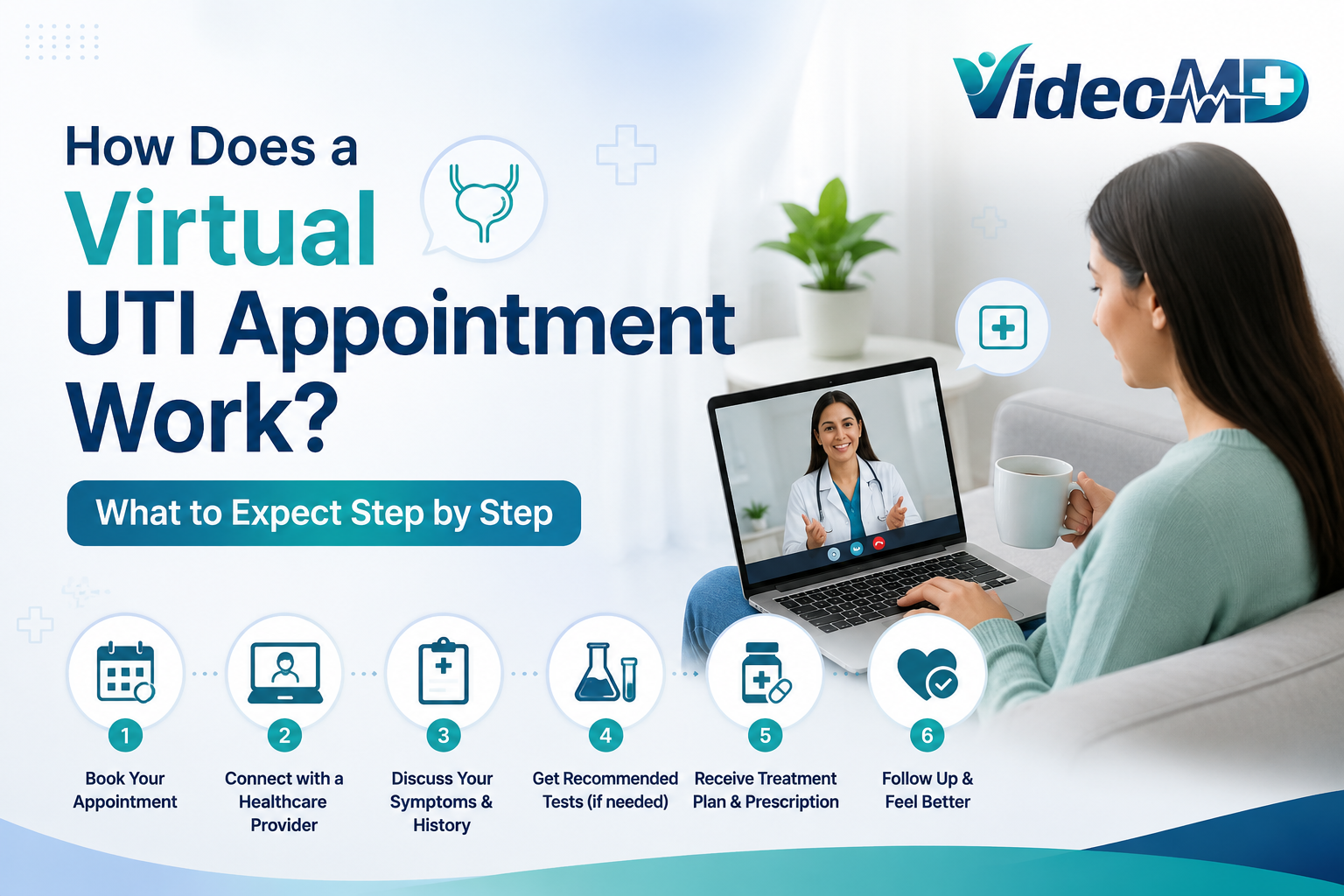
Curious about the flow? Here’s the typical what to expect at a dermatologist appointment in virtual format:
- Check-in: 5-minute wait; verify ID.
- History review: Share your prep notes (10 mins).
- Visual exam: Doctor analyzes photos/live feed (15 mins).
- Diagnosis & plan: Treatment options discussed (10 mins).
- Q&A and next steps: E-prescriptions sent instantly.
Most online dermatology consultation sessions last 20-30 minutes. You’ll get a summary email post-call.
Common Mistakes to Avoid in Virtual Dermatologist Appointments
Don’t sabotage your session, steer clear of these:
- Poor photos: Blurry or shadowed pics lead to misdiagnosis.
- Rushing history: Omitting details wastes time.
- No questions: Leaves you confused post-appointment.
- Ignoring follow-up: Track progress with repeat skin doctor online consultation.
Sketchy platforms: Stick to vetted best virtual dermatology consultations to avoid data breaches.
Post-Appointment Tips for Success
After your virtual dermatologist appointment:
- Fill prescriptions promptly.
- Track changes with follow-up photos.
- Stick to the plan: Use recommended products.
- Schedule online dermatologist consultation check-ins as advised.
Patients following through see 70% better outcomes, per telehealth studies.
Make Your Online Dermatologist Consultation Count